
Real menu pages
HTML menus are easier to read, easier to update, and easier for search engines to understand than a buried PDF.
For independent restaurants, cafes, bars, caterers, ghost kitchens, and small groups that need mobile menus, ordering paths, reservations, events, and local search signals that stay current.
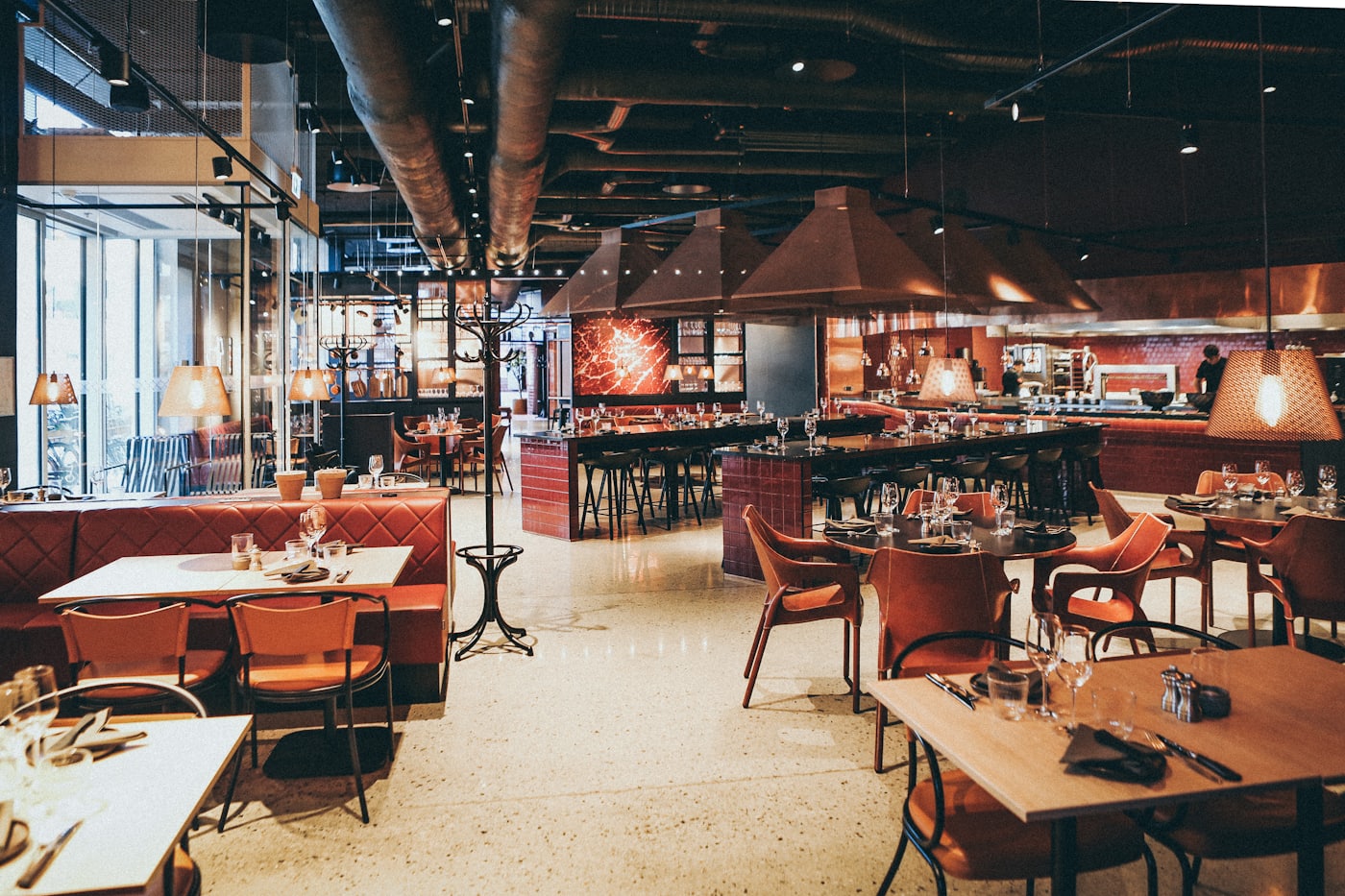
Menus, hours, ordering, and confidence should be immediate. On a phone, the guest should be able to order, reserve, or call in one thumb — not dig through a PDF.
HTML menus are easier to read, easier to update, and easier for search engines to understand than a buried PDF.
Order, reserve, call, book catering, buy a gift card, or view events should be obvious on a phone.
Hours, holiday updates, specials, patio details, photos, and Google Business Profile alignment build trust before the visit.
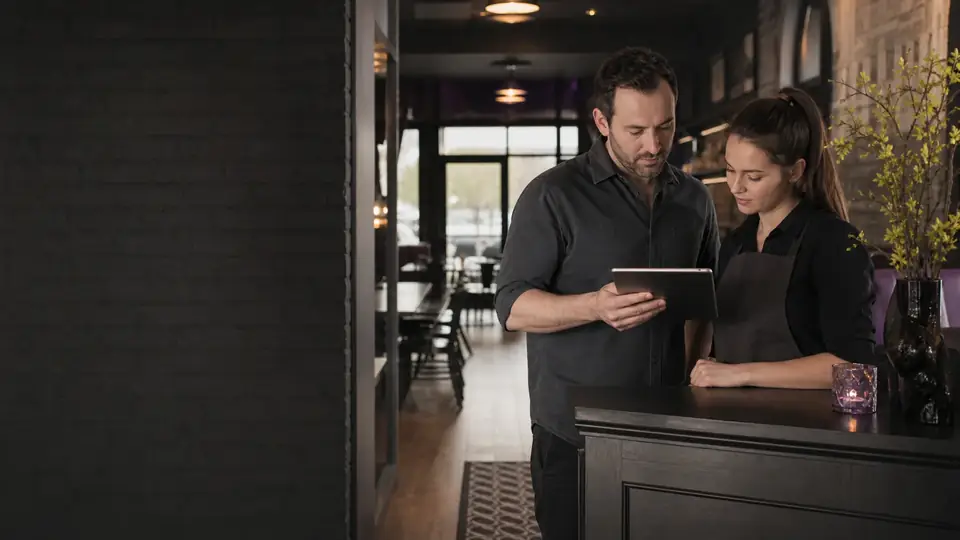
Restaurant sites need polished visuals, but the real value is making daily details easy to find and easy to keep current — a menu system, ordering links, a reservation flow, catering and events pages, and clean local search setup.
4 parts of the build, in the order we plan them.
01
We rank dine-in, takeout, delivery, reservations, catering, events, and gift cards by revenue and demand.
02
Menu content is structured so prices, descriptions, sections, and dietary tags can be edited without breaking the page.
03
Photos, press, reviews, neighborhood cues, parking notes, and hours are placed where guests make decisions.
04
We define who updates hours, specials, events, and menu changes so the site doesn't go stale.
Guests usually arrive for a practical reason: view the menu, check whether you are open, order, reserve, call, find the entrance, ask about dietary options, or plan a group visit. Those actions should not compete with a splash screen, auto-playing video, or a PDF that requires pinching and zooming. Atmosphere matters, but usefulness earns the visit.
For Quad Cities restaurants, accurate location, parking, accessibility, patio, event, and cross-river directions can remove uncertainty before a guest leaves home. Website hours should stay aligned with the profiles and ordering platforms people already use.
A real HTML menu can be searched, read by assistive technology, scanned on a phone, and updated without replacing a file. Organize items by the way guests decide, keep descriptions concise, and publish prices, dietary labels, availability notes, and disclaimers only when the restaurant can maintain them accurately.
Photography should be intentional: a small set of current, well-lit images of signature dishes, the room, the entrance, and the team will usually build more trust than a large gallery of mixed-quality uploads. Image files should be sized for fast mobile loading.
Before launch, assign ownership for menu changes, holiday hours, sold-out items, events, and ordering links. A simple publishing routine prevents a polished site from becoming an unreliable one.
Short answers to what restaurants clients ask first.
You can, but the main menu should be a real page. A PDF can stay as a download for guests who want it.
Yes. The site can be built with a clean admin flow for menu edits, specials, events, and hours.
Yes. We can connect or clearly surface the ordering platform you already use — Toast, Square, Clover, ChowNow, and more — instead of forcing a new workflow.
Tell us about the work you want more of. We’ll map the pages, proof and follow-up that fit how your customers choose.