
Website design portfolio · 5 launched sites
Websites we’ve built, and the thinking behind them.
Different businesses. Distinctive experiences. The business comes first and the design gives it a voice. Each project below starts with the question its buyers were asking.
Start a project

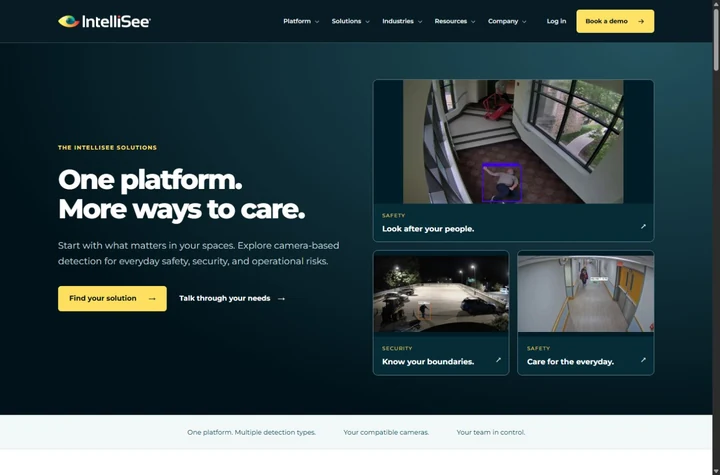
01 / 05 · AI safety technology
IntelliSee
The buyer’s questionWhat does it do, and why should a buyer care?
The homepage starts with the cameras a facilities team already owns, puts a product example beside the message, and makes the demo request the clearest action on the page.
What we built
- Product explanation
- Solutions by industry
- Demo requests


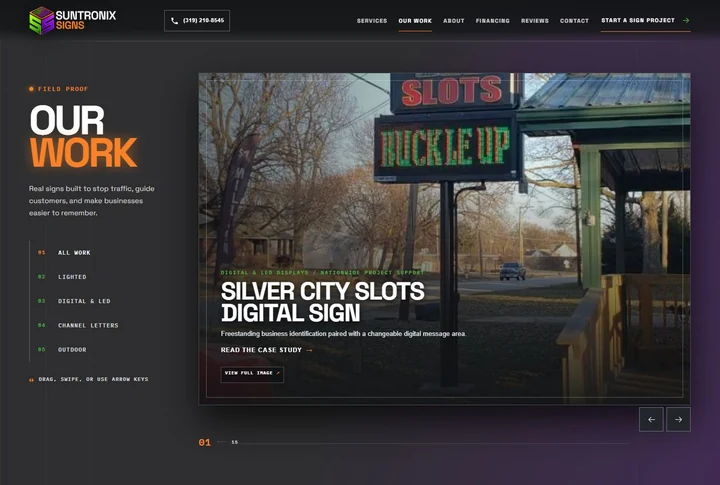
02 / 05 · Signs and displays
Suntronix Signs
The buyer’s questionCan they make the sign my business needs?
Real installations lead the site. Sign types each have a place to browse, and a project-start link sits next to the examples on every screen size.
What we built
- Product categories
- Project gallery
- Mobile-first browsing
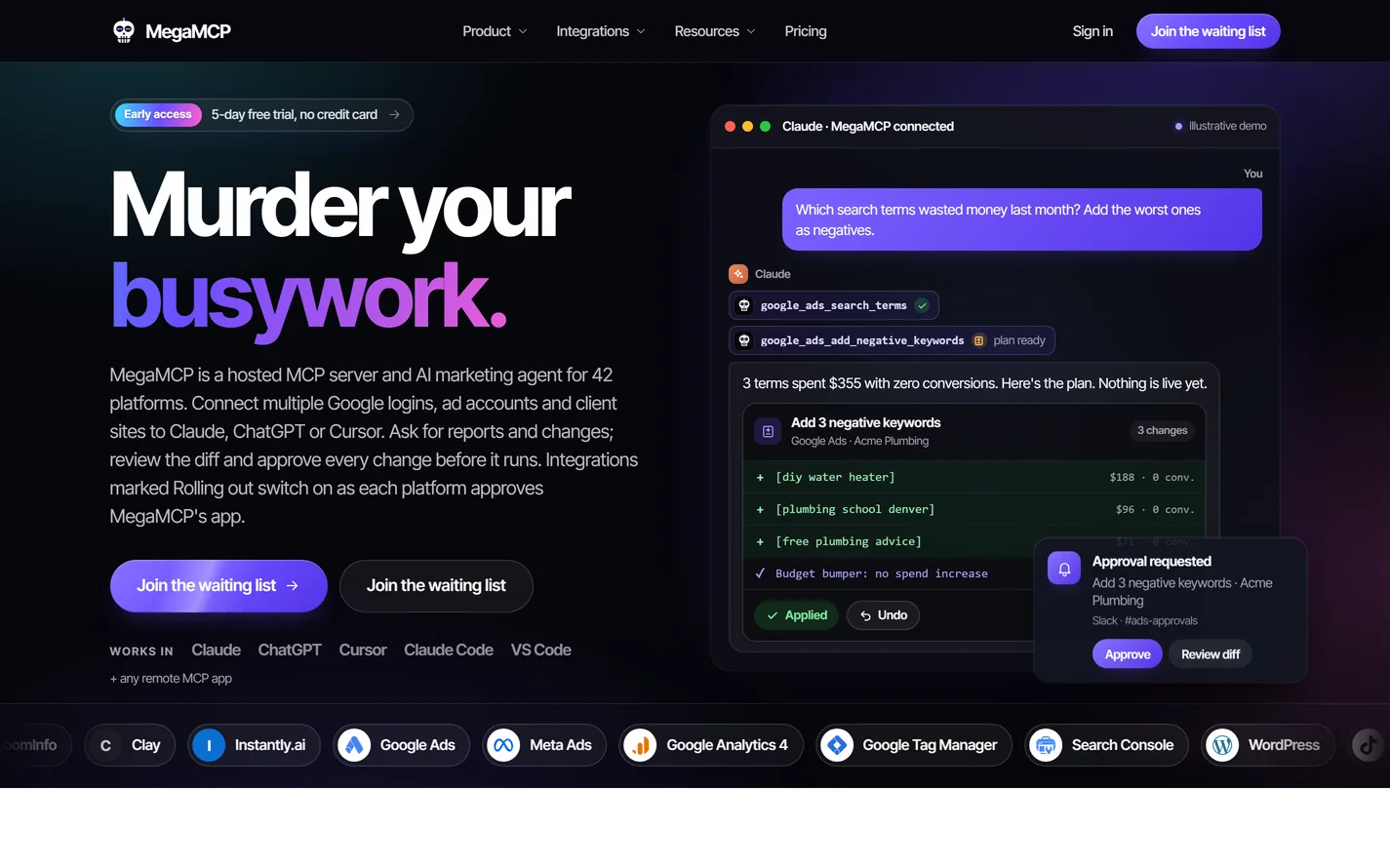
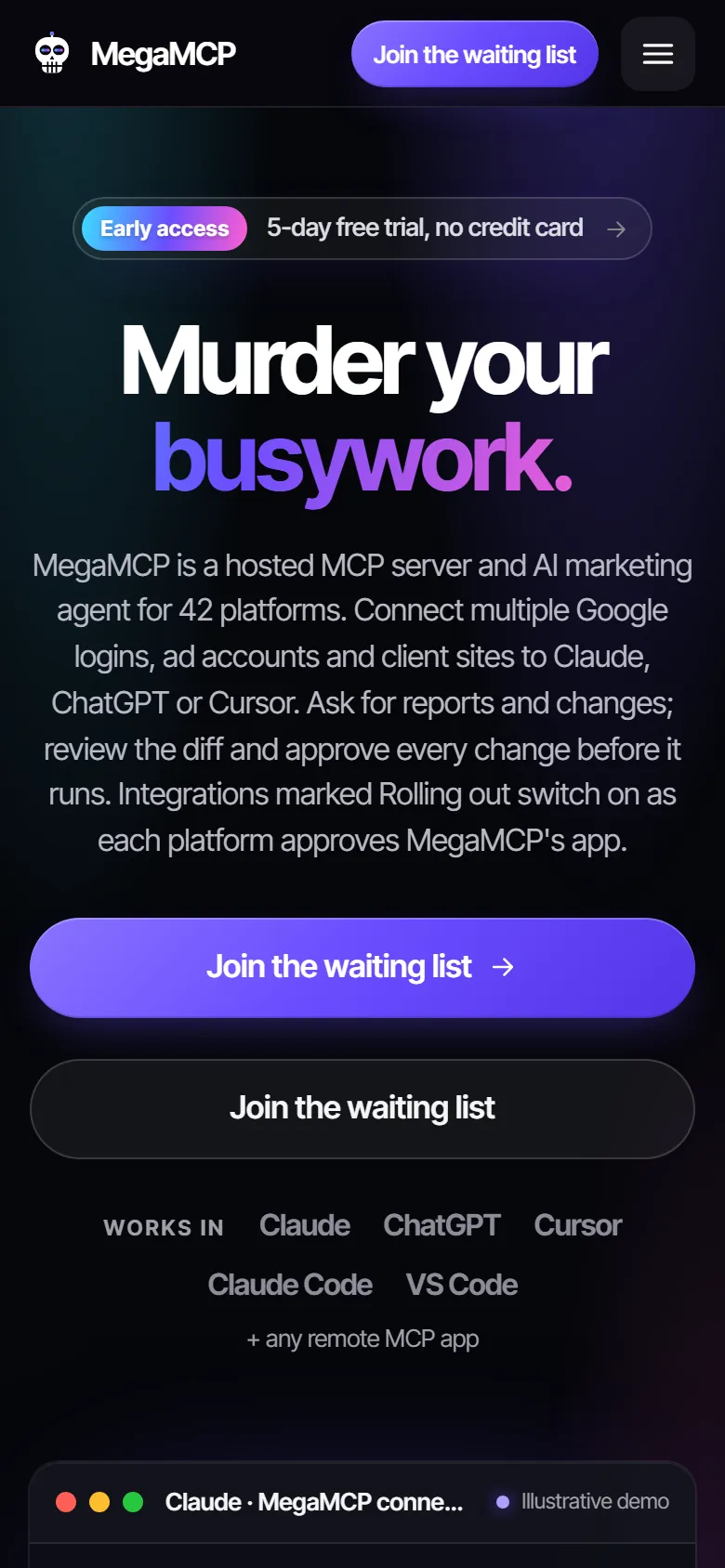
03 / 05 · SaaS · AI for 42 marketing platforms
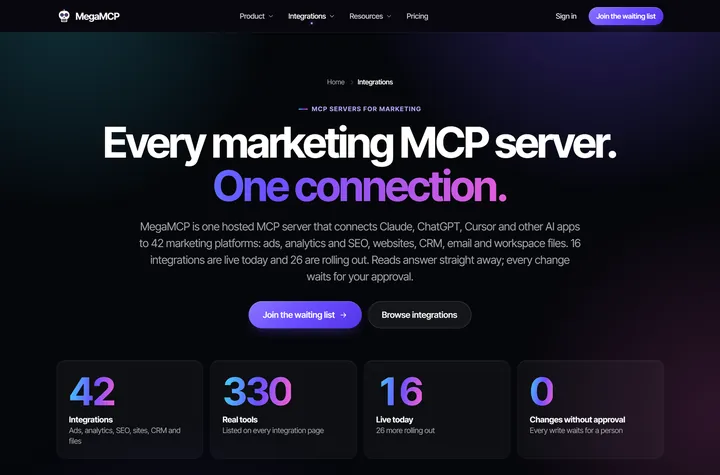
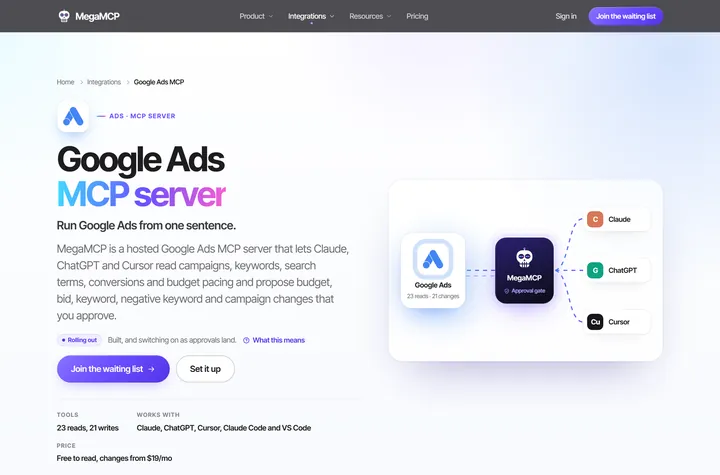
MegaMCP
The buyer’s questionWill this AI touch my ad account without asking?
The opening demo answers it: the tool drafts a change, checks it against a budget cap and waits for Approve. Flat pricing and a free plan answer the cost question next.
What we built
- Product demo
- Flat pricing
- A page per integration
04 / 05 · Software & integrations · Quad Cities
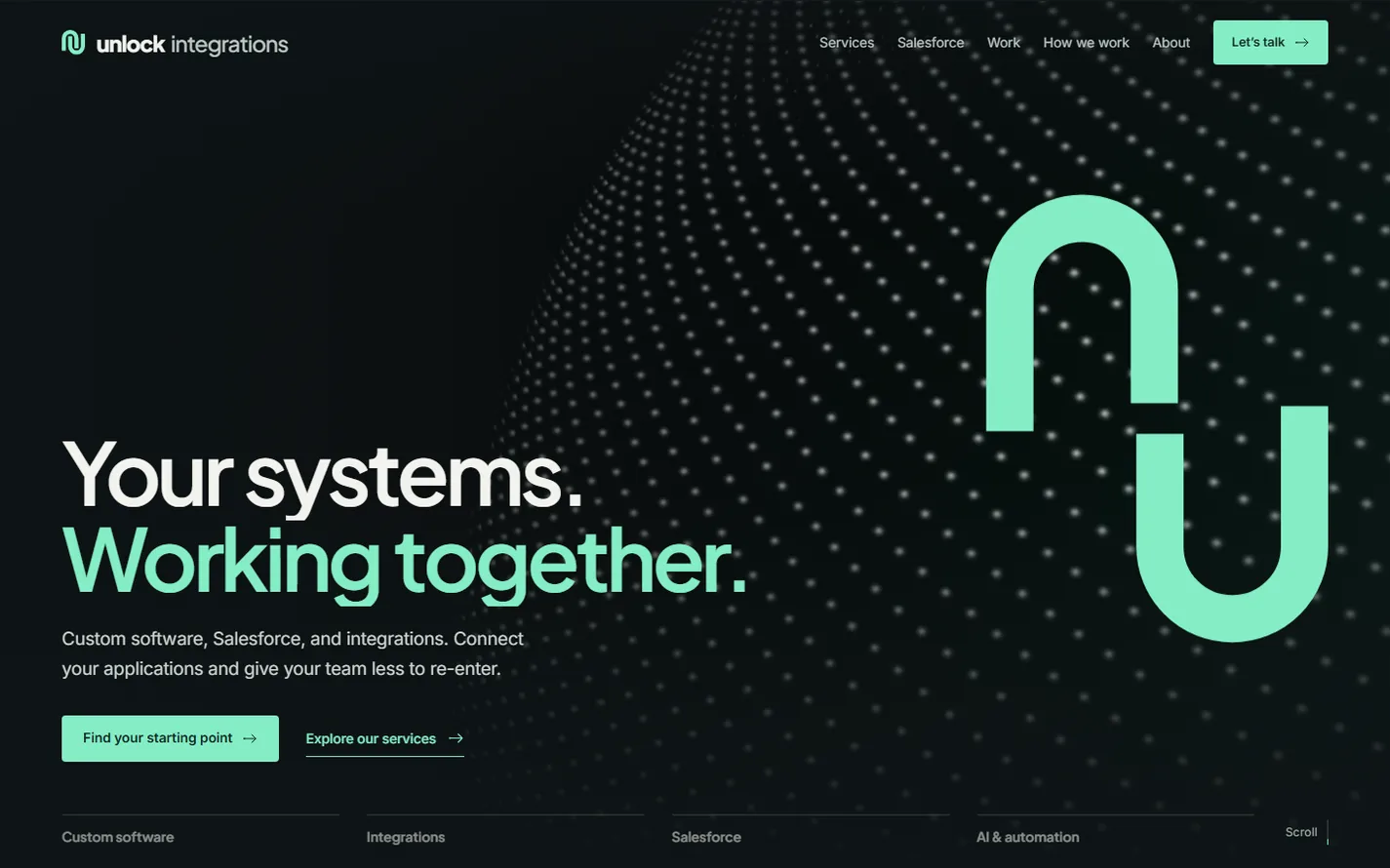
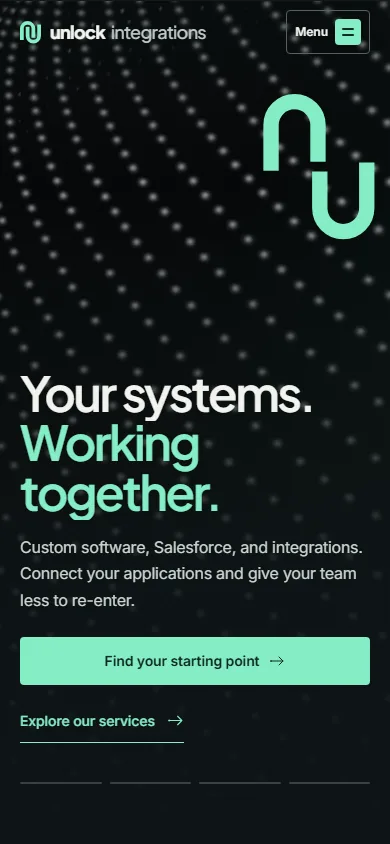
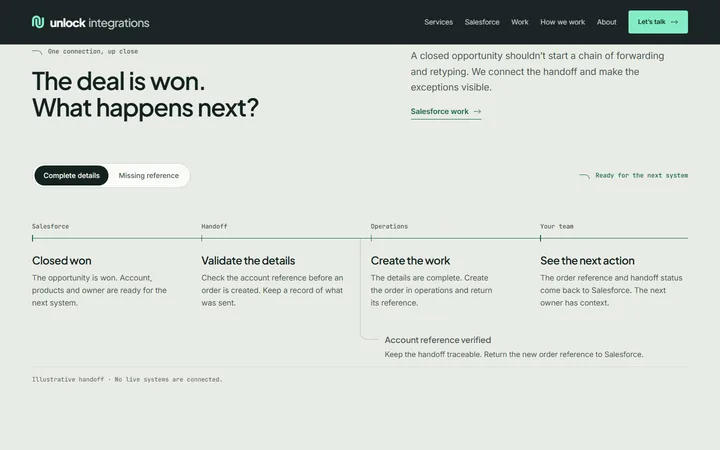
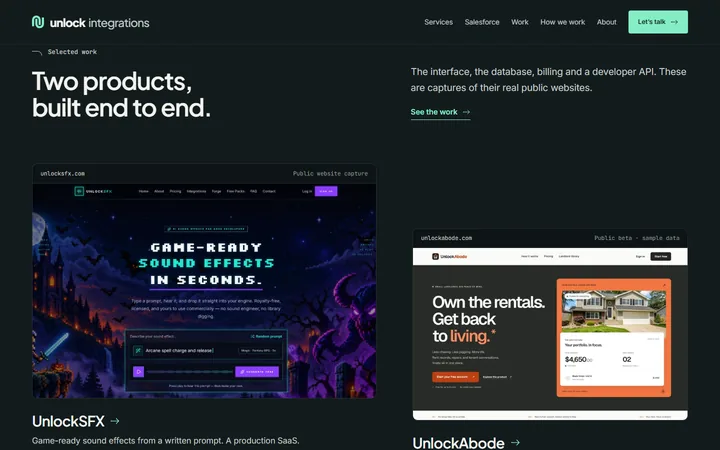
Unlock Integrations
The buyer’s questionCan they connect the systems we already use?
The homepage starts with the work that only moves because someone remembers it, then shows six kinds of fixes and a Salesforce handoff walked through step by step.
What we built
- Service finder
- Interactive handoff demo
- Guided contact form
05 / 05 · B2B SaaS · AI agent supervision
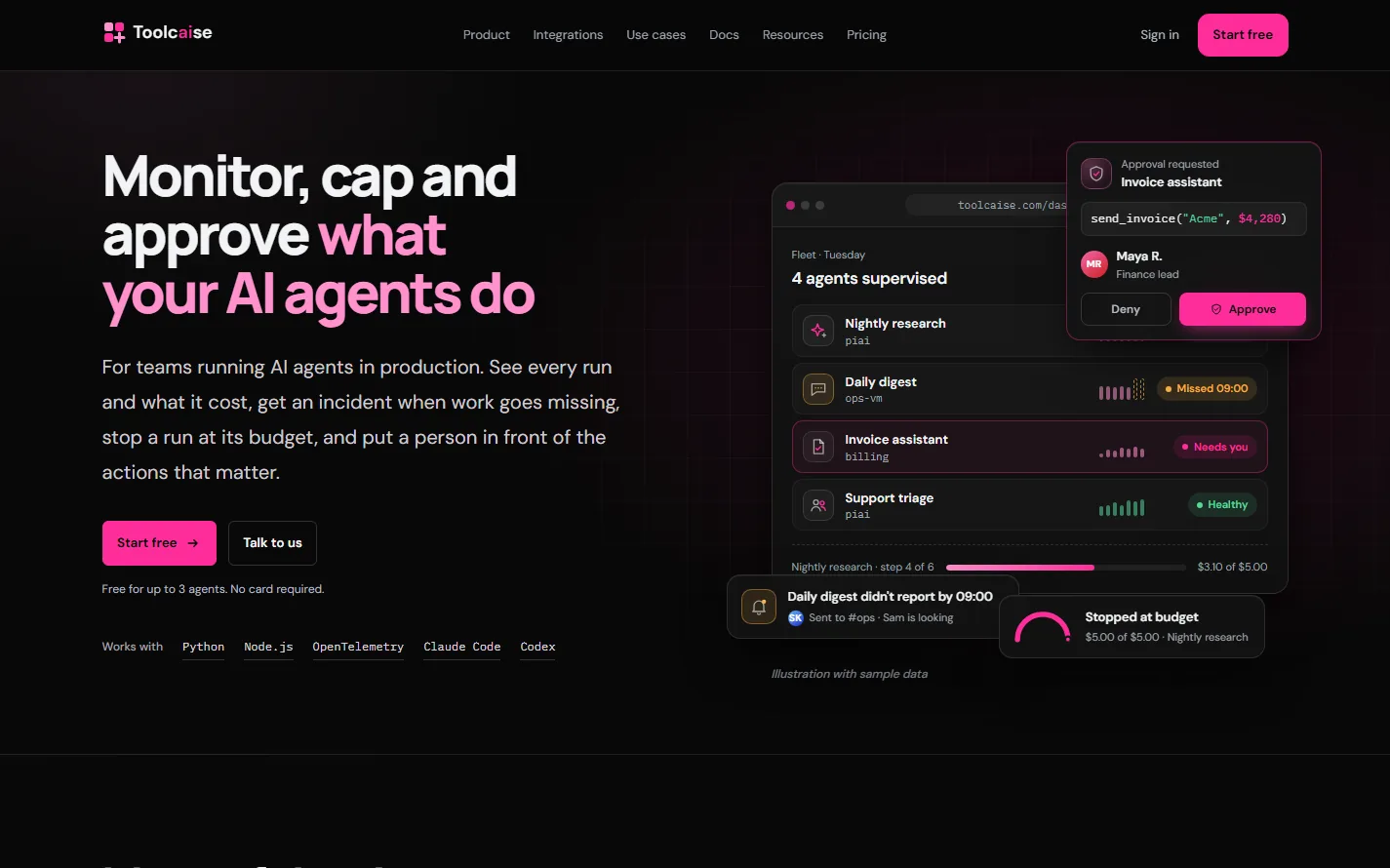
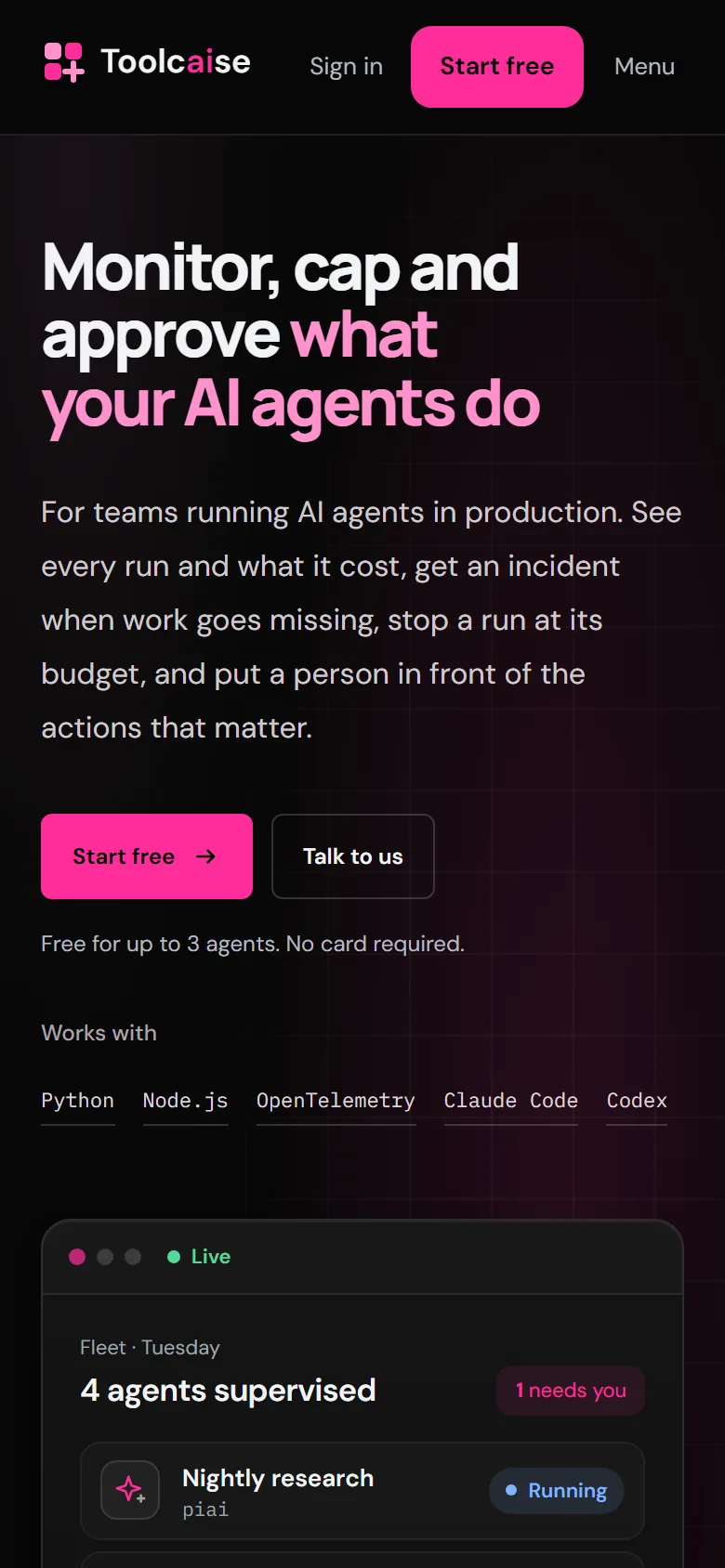
Toolcaise
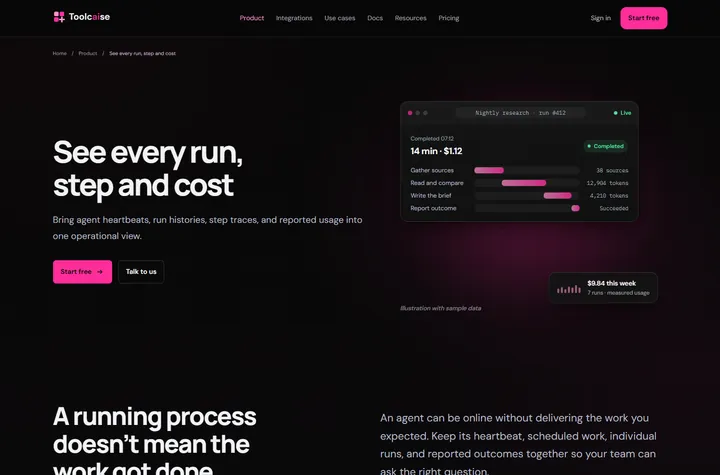
The buyer’s questionWhat stops an AI agent from running up the bill?
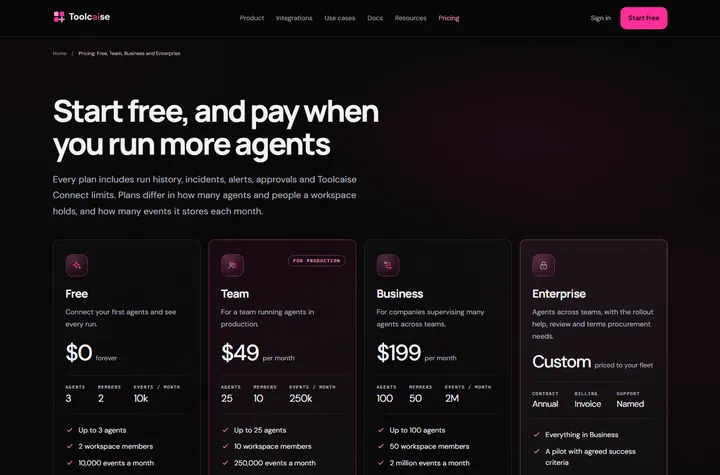
The homepage leads with the promise engineering teams need, monitor, cap and approve, then shows the fleet dashboard, states the product’s limits plainly and keeps pricing one click away.
What we built
- Product illustrations
- Clear pricing
- Resource library
SaaS & software websites
A SaaS website design agency that starts with the buyer.
Software buyers arrive skeptical. Before they hand over an email address, they want to know what the product does, whether it is safe to try and what it will cost. As a SaaS website design agency, we shape the site around those questions: a clear category statement, the product shown in context, pricing a buyer can compare and a first step small enough to take today.
Two recent launches show the range. MegaMCP sells an AI tool for 42 marketing platforms with a loud brand voice, a live product demo and a page for every integration. Toolcaise explains AI agent supervision to engineering teams with labeled product illustrations, honestly stated limits and a resource library built for search.
Every SaaS website we design ships with its search foundations in place: category-led title tags, integration, use-case and comparison pages, structured data, XML sitemaps and breadcrumbs. That gives the site a way to earn traffic from the searches that happen before anyone knows the brand.
Do you only work with Quad Cities companies?
No. The studio is based in Moline, Illinois, and SaaS, AI and B2B software teams work with us remotely, from a first launch to a SaaS website redesign.
The method behind the work
Make it clear. Make it useful. Make it yours.
A useful website helps someone understand the offer, feel confident about the business, and take the next step. Our process connects those decisions from the first brief through the final handoff.
- 01
Find the right story.
Make the offer clear. Help visitors understand what you do and whether it’s right for them.
- 02
Shape the experience.
Give people confidence. Put useful detail and relevant proof close to the decisions that matter.
- 03
Build with care.
Make the next step easy. Connect navigation, contact paths, and mobile layouts to the customer’s goal.