
Customer and vendor portals
A simple place to upload, review, approve, pay, schedule or track progress, with a small number of clear actions.
Internal tools, customer portals, dashboards and integrations, built around the workflow you actually run. The first job is deciding what not to build yet.
BUILD, BUY OR SIMPLIFY
A custom app is not automatically better than existing software. If a dependable off-the-shelf product solves the problem at a sensible cost, that is the stronger recommendation, and we will make it.
The goal of version one is not to model every edge case. It is to ship the smallest reliable tool that removes a real bottleneck, then let feedback decide what comes next.
WHERE APPS HELP
A simple place to upload, review, approve, pay, schedule or track progress, with a small number of clear actions.
Key metrics, task queues, customer status and operational views in one focused workspace, instead of five tabs.
Quote, intake, scheduling, approval or reporting flows with repeatable rules, assignments, status changes and notifications.
Forms, CRM records, payments, calendars and third-party systems connected without fragile copy and paste.
WHAT SHAPES THE SCOPE
Page count is a poor way to estimate an application. Discovery makes the real decisions visible before they become expensive changes late in the build.
What drives the estimate
Illustrative example
Raised before architecture
Illustrative example
A lightweight operational app and a regulated enterprise system are different projects. Say which one it is on the first call.
FROM WORKSHOP TO LAUNCH
01
We document the current workflow, users, pain points, systems, data and the decisions the tool must support.
02
Scope, architecture plan, timeline, risk notes and a fixed quote for the first release.
03
Delivered in usable milestones, so your team tests the tool against real scenarios as it grows.
04
Data migration, access, training, documentation, monitoring and first-month support, before handoff.
INVESTMENT & TIMING
Scoped
Start here
The workflow mapped, the build-or-buy call made, and a fixed quote for version one.
$5,000and up
Most common
The smallest reliable tool that removes the expensive bottleneck.
Scoped
After launch
Hosting, monitoring, updates and the features that earned their place.
Your proposal defines hosting, monitoring, support, data migration, third-party accounts, source access and handoff, so ownership is clear before work starts.
WHAT HELPS THE WORK MOVE
Start by comparing the cost and limits of available tools with the cost of the current workaround. If an existing platform solves most of the workflow without creating new operational problems, buying may be the right move.
Often. The scope depends on the APIs, permissions, data quality and limits of each system. Those details are checked during discovery before an integration is promised.
Ownership, hosting, third-party accounts, source access and handoff are documented in the project agreement. Confirm these terms for the specific build before work starts.
Yes. A phased first release is often the safest way to test the core workflow, reduce risk and learn what users actually need before adding more features.
Yes. Support, hosting, monitoring, updates and future improvements can be scoped after the first release.
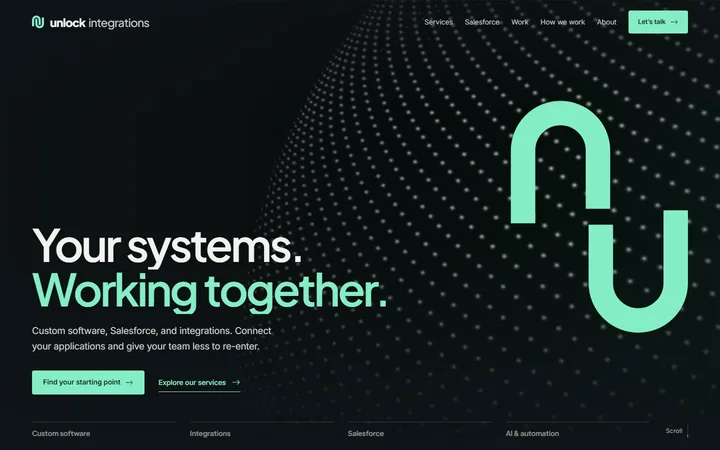
A service finder, an interactive handoff demo and a guided first step into the contact form.
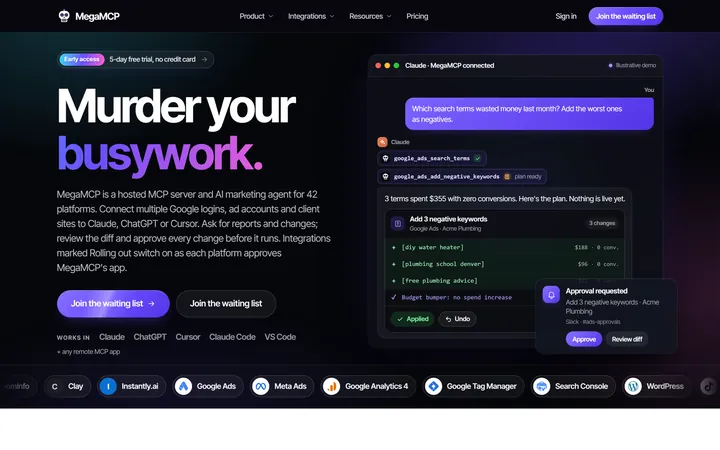
A brand with a voice, a live product demo, flat pricing and a page for every integration.
Real projects, with the context and decisions explained. Explore all our work.