
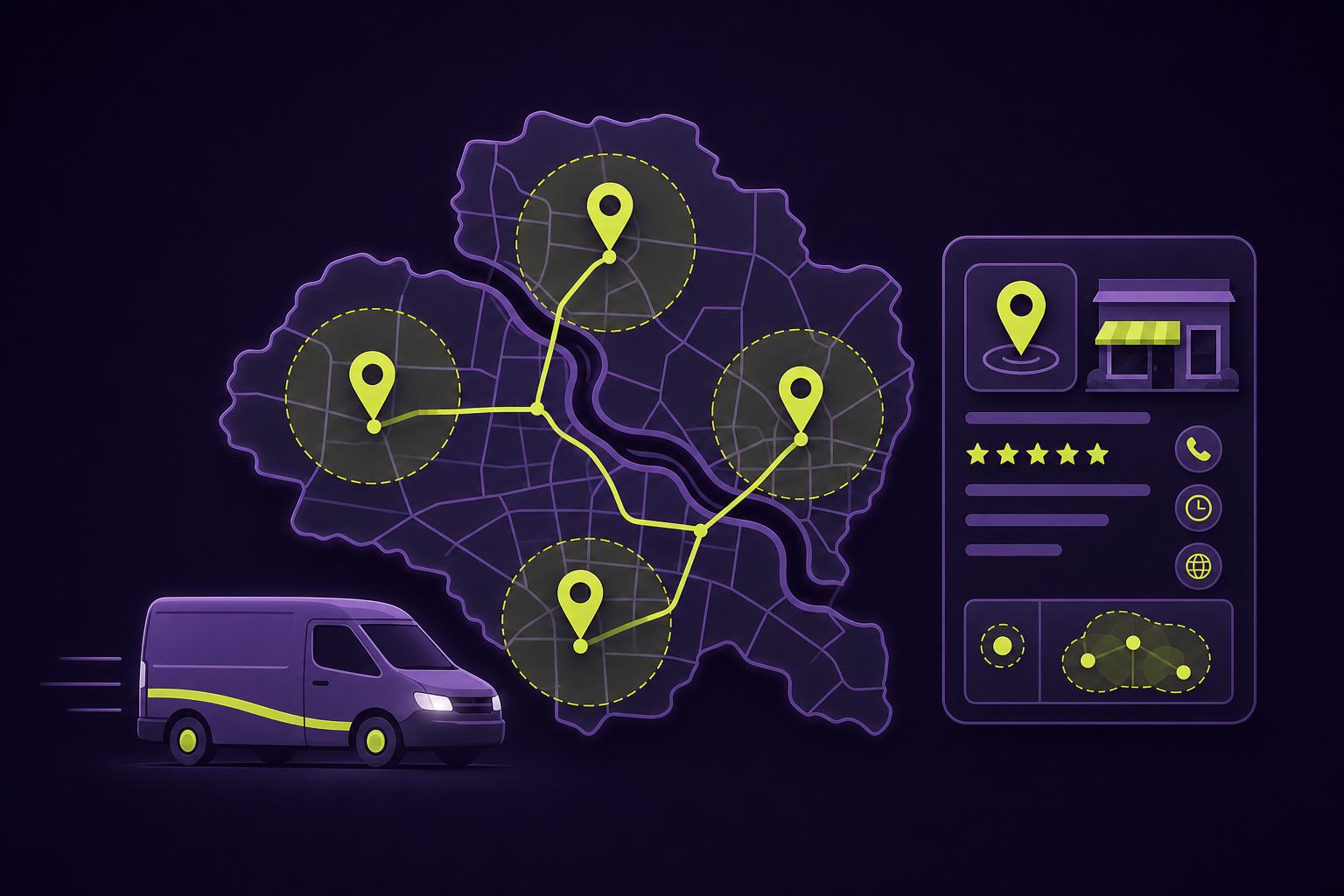
A Google Business Profile service area should describe where your team actually travels – not every city you hope to reach. For Quad Cities plumbers, roofers, cleaners, and other mobile businesses, the right setup is one accurate profile, a hidden address when customers do not visit you, and a short list of real cities or ZIP codes. That protects trust while making the profile more useful to local searchers.
First, choose the business type that matches real life
Google distinguishes between a service-area business and a hybrid business. A service-area business travels to customers and does not serve them at its address – think a contractor operating from a home office. A hybrid business both receives customers at a staffed, signed location and travels to them, such as an auto repair shop offering roadside assistance.
This choice is operational, not an SEO setting. If customers cannot visit your location during stated hours, do not present it as a storefront. Google’s guidelines also say a virtual office is not eligible when it is not genuinely staffed and customer-facing.
A practical service-area setup workflow
Map real travel
List the places your crew can reliably serve, including travel time and dispatch limits.
Match the profile type
Use service-area status for mobile work; use hybrid only for a real customer-facing location.
Add named areas
Use cities, ZIP codes, or regions – not a radius around the business.
Keep the site aligned
Make service pages, contact details, and coverage language match the places you actually serve.
Equivalent text: map actual coverage, select the truthful business type, add specific named areas, and make the website consistent with the profile.
How to add or edit service areas
- Sign in to the Google Account that manages the profile.
- In Google Search or Maps, select Edit profile, then Location.
- Choose Service area and add or remove the cities, postal codes, or other areas that match your current coverage.
- Save the change and allow time for approval and display updates.
Google says approved changes can take up to 48 hours to appear. Treat the service area as customer-facing business information: review it whenever staffing, dispatch capacity, or a physical location changes.
What not to do with service areas
- Do not use a distance radius. Google requires named cities, postal codes, or other areas.
- Do not create extra profiles for neighborhoods or cities served by the same central operation.
- Do not show a residential or other address when customers cannot visit it.
- Do not add places your team cannot reasonably reach or support.
- Do not turn every service-area name into a thin, near-identical location page on your website.
Turn accurate coverage into a stronger website experience
A service area helps customers understand availability; it does not replace a useful website. Your website should explain the services, the kinds of jobs you take, how to request help, and any meaningful differences in availability. A dedicated local SEO strategy can connect that information without inventing coverage or duplicating pages.
For example, a Quad Cities HVAC company might honestly state that it serves Davenport, Bettendorf, Rock Island, Moline, and nearby communities. The homepage can summarize that footprint, while detailed service pages answer real questions about repair, installation, emergency calls, and booking. If new markets are strategic, build the operational capacity and useful local content first – then update the profile.
When a service-area audit is worth doing
Audit the profile when you have changed addresses, added a storefront, expanded or reduced travel coverage, hired a new dispatch team, or notice leads asking about places you do not serve. It is also a smart first step before investing in local landing pages, ads, or a new service-business website.
QC Webworks helps Quad Cities businesses turn accurate service information into clear, lead-ready website structure. If your profile and website tell different stories, start a conversation with QC Webworks before adding more pages or profiles.
Frequently asked questions
Can I set a radius around my business on Google?
No. Google says service areas must be specified by city, postal code, or another named area. A radius-based area cannot be edited as a radius.
How many service areas can a Google Business Profile have?
Google currently allows up to 20 service areas. Use fewer when fewer accurately describe your normal coverage.
Should I hide my address if I work from home?
If customers do not come to your home location, use service-area business setup and hide the address from customers. Keep the underlying business information accurate in the account.
Can I create a separate Google Business Profile for each city I serve?
Not for one central operation. Google’s guidance is one profile for a service-area business, unless you have distinct real locations with separate staff and service areas.
Will adding more service areas make my business rank everywhere?
No. Service areas set customer expectations; they are not a ranking guarantee. Focus on accurate profile details, useful service information, and a website that helps local customers choose and contact you.


