
Can you fix this?
Service pages should cover the jobs people actually search: brakes, diagnostics, tires, alignments, AC, inspections, fleet repair, and specialty work.
For independent shops, specialty garages, fleet repair teams, and performance shops that need fast pages, clear service proof, and quote paths customers can use from a phone.
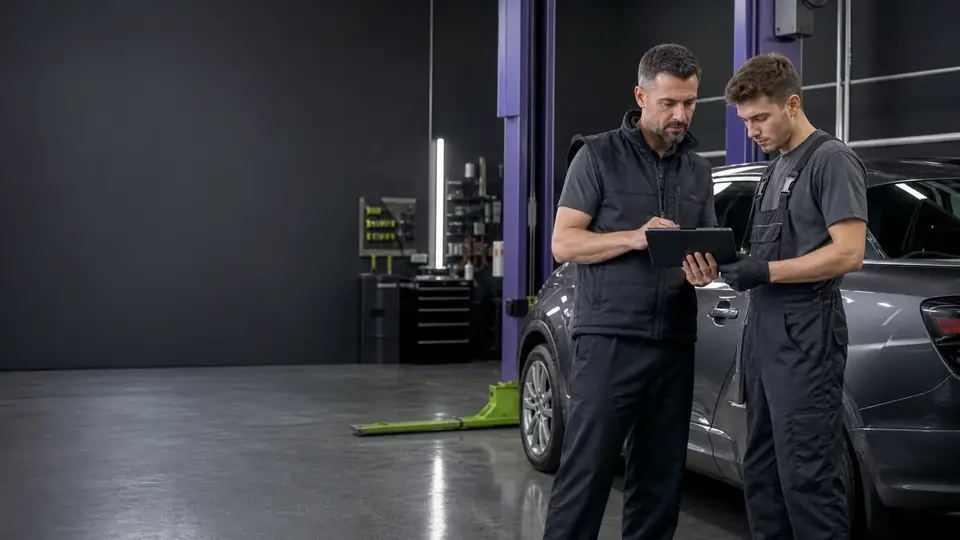
A shop website has to answer the urgent questions first: can you fix this, can I trust you, and can I book now — while the competition is closed.
Service pages should cover the jobs people actually search: brakes, diagnostics, tires, alignments, AC, inspections, fleet repair, and specialty work.
Reviews, certifications, warranty language, shop photos, technician experience, and before-and-after proof should be easy to find before the form.
Phone calls still matter, but after-hours quote forms and appointment requests catch customers while competitors are closed.

The site should be more than a digital business card. It should help Google understand your services, help customers pick the right next step, and help your team follow up without digging through a shared inbox.
4 parts of the build, in the order we plan them.
01
Homepage, services, about, reviews, financing if needed, fleet service, and contact or appointment request.
02
Brake repair, diagnostics, oil changes, AC, tires, alignments, inspections, and the specialty services that carry margin.
03
Helpful service-area pages for the cities you actually serve, written with specific proof instead of duplicate filler.
04
Reviews, case examples, shop photos, warranty details, certifications, and technician credentials.
Auto repair searches often begin with uncertainty: a warning light, a new noise, a failed start, or maintenance that cannot wait much longer. The website should not diagnose the vehicle. It should help the customer recognize whether the shop handles the category of work, understand what happens next, and choose the right contact path.
That means plain-language service pages, visible hours and location details, tap-to-call actions, and an appointment or estimate request that works after the front desk closes. Fleet managers need a different route, with information about vehicle types, scheduling, communication, and account fit.
Clean photos of the facility, team, diagnostic equipment, and completed work can answer credibility questions faster than stock imagery. Certifications, warranty terms, financing, shuttle or pickup details, and maintenance reminders should only appear when they are true and current. Each one belongs beside the service or decision it supports.
For Quad Cities shops, local pages should reflect where customers actually come from—Moline, Rock Island, East Moline, Davenport, Bettendorf, or surrounding communities—without pretending every city needs duplicate copy. Location directions, nearby landmarks, service availability, and real local reviews are more useful than repeated city names.
Short answers to what auto repair clients ask first.
Yes, when a service has real search demand or a different buying question. A single services list usually leaves rankings and conversions on the table.
Usually. We can route requests to email, HubSpot, a scheduling tool, or a shop management workflow depending on what you already use.
Recent reviews, visible shop photos, warranty clarity, certifications, and plain-English explanations of what happens after a customer contacts you.
Tell us about the work you want more of. We’ll map the pages, proof and follow-up that fit how your customers choose.