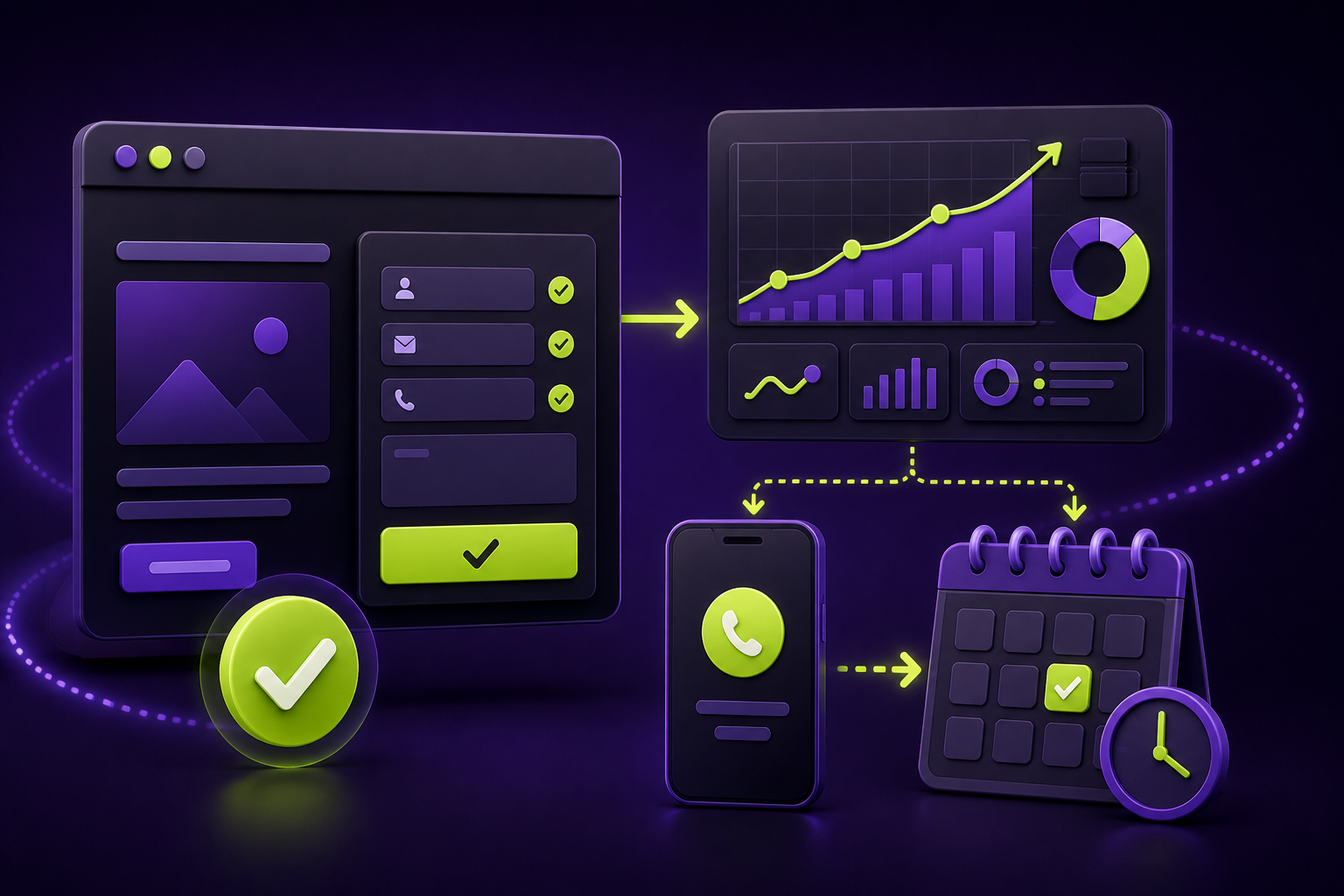
Direct answer: A small-business website does not need dozens of metrics to become useful. Track the few actions that signal real buying intent—successful contact submissions, booked appointments, qualified phone calls, and completed checkouts—then verify each one before using the data to judge marketing.
Traffic alone cannot tell a Quad Cities service business whether its website is creating opportunities. A clear Google Analytics 4 (GA4) lead-tracking setup connects the pages and channels people use with the actions that matter after they arrive. This checklist is a practical brief for owners and teams deciding what to measure first.
Start with the business action, not the report
Choose actions that represent a meaningful next step in your sales process. For many local businesses, that means a completed contact form, a visit to a real confirmation page, an online booking that reaches its success state, or a completed purchase. A click on a button can be useful diagnostic data, but it is not automatically a completed lead.
GA4 calls the actions that matter most key events. Google’s guidance allows you to create an event from an existing event and mark it as a key event; its example uses a confirmation-page view for a submitted contact request. That makes a thank-you page a straightforward option when the form reliably sends visitors there.
Name one completed business outcome, such as “contact request received,” rather than a vague engagement action.
Use a confirmation-page event or a validated form-success event that only occurs after a successful submission.
Mark the relevant GA4 event as a key event so it is available in reporting and analysis.
Submit a test lead and check Realtime or DebugView before making decisions from the count.
Equivalent text: measure a completed action, make sure the site sends the right event only after success, mark it as a GA4 key event, and test the event with a real submission.
A practical GA4 lead-tracking checklist
- List your primary conversion paths. Include forms, scheduling tools, phone calls, quote requests, store purchases, and any partner-hosted checkout or booking flow.
- Choose one precise event name per outcome. Prefer Google’s recommended
generate_leadevent where it fits. Avoid treating every page view or every button click as the same outcome. - Use a success condition. For a traditional form, a unique thank-you URL can work well. For an AJAX form or embedded tool, use the provider’s successful-submit signal or a properly configured tag—not merely the submit-button click.
- Mark the verified event as a key event. This separates business outcomes from ordinary browsing and lets you review them alongside landing pages and acquisition sources.
- Document the owner and destination. Record which form, page, booking platform, or phone system produces each event and who checks that the lead reached the business.
- Test after every material form or site change. A redesigned form, swapped scheduling provider, or changed thank-you page can silently break measurement.
What a verified GA4 setup looks like
These official Google Analytics Help interface references show the kind of configuration and reporting views your team should be able to inspect. Your property’s labels and data will differ; the point is to verify the completed action, then review the resulting key-event data.


Choose the right success signal
Confirmation page: simple and auditable
If a contact form redirects only successful submissions to a dedicated thank-you page, create a new event based on page_view for that specific URL. Google’s official tutorial demonstrates this approach and recommends using a meaningful event such as generate_lead. Keep the confirmation URL out of navigation so ordinary visitors cannot inflate the count.
Form success event: useful for no-redirect forms
Many modern forms show a success message without loading a new page. In that case, have the form or Google Tag Manager send an event only when the provider confirms success. Google Tag Manager’s form-submission trigger includes a validation option, but the implementation still needs testing because form technologies vary.
Phone and booking actions: separate interest from completion
A click-to-call event can reveal mobile intent, while a call-tracking platform can confirm answered calls and qualified conversations. Likewise, a booking-button click is not the same as a completed appointment. Name and report these stages separately so your team does not confuse interest with a booked job.
How to use the data without chasing vanity metrics
Once events are verified, look at the pages and traffic sources that precede them. GA4 key-event reporting can help you compare landing pages and acquisition channels, but it does not replace reviewing lead quality with the people who answer the phone or inbox.
A useful monthly review asks: Which pages produced verified leads? Which channels produced those leads? Did the form, thank-you page, booking flow, or tracking implementation change? Then compare that evidence with actual outcomes in your CRM, inbox, or sales process.
QC Webworks can combine a cleaner lead path with practical measurement as part of web design and development or marketing automation work. If the site needs a stronger conversion path first, start with the guidance in our local service-page guide.
Frequently asked questions
What should a small business track as a GA4 key event?
Track completed actions that matter to the business: a successful contact request, confirmed booking, completed checkout, or another verified lead handoff. Keep exploratory clicks separate from completed outcomes.
Can I use a thank-you page to track contact-form submissions?
Yes, when the form reliably redirects only successful submissions to a dedicated confirmation page. Create a specific event from that page view and mark it as a key event.
Why is a submit-button click not enough?
Visitors can click submit while errors prevent delivery, abandon a form, or trigger a button without a successful handoff. A success signal is more reliable.
How do I test whether GA4 lead tracking works?
Complete a controlled test submission, then check GA4 Realtime or DebugView for the intended event. Confirm the test lead also reached the inbox, CRM, or booking platform.
Should call clicks and completed calls be one event?
No. A call click measures intent to call; a connected or qualified call requires additional confirmation from a phone system or call-tracking platform. Reporting them separately keeps your analysis honest.