A successful backup notification tells you that a backup job finished. It does not tell you whether the right person can restore the right site and get its important workflows running again. Find that out in a controlled restore test, while the live website is still working.
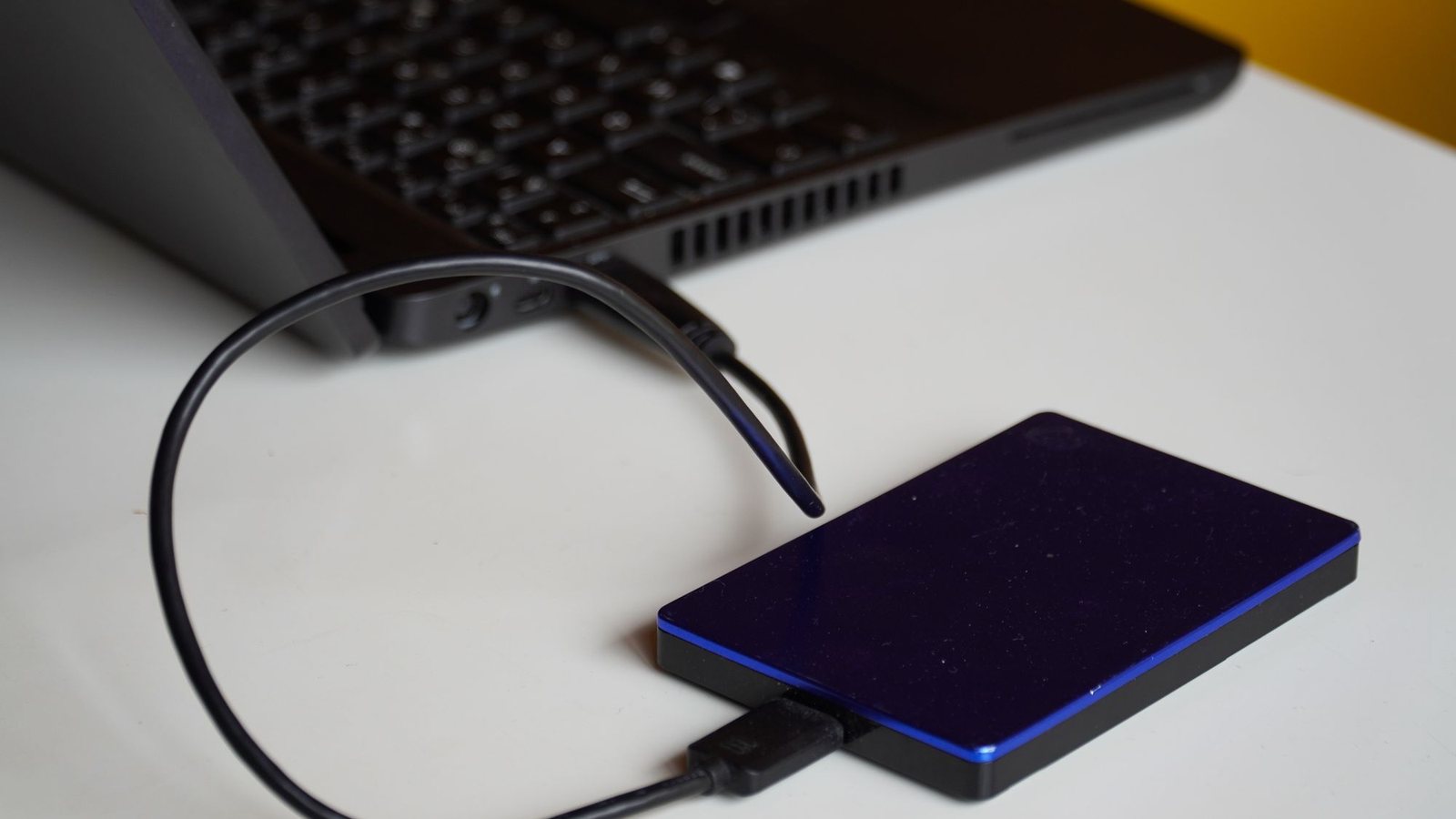
This field sheet is for an owner planning a recovery exercise with a hosting provider or maintenance partner. It is not an instruction to overwrite a live store. Start with a private, isolated test destination and an agreed scope. If your team is preparing a routine software update, use the separate WordPress update checklist as well.
- Identify the exact backup set.
Record the timestamp, site, database and files included. Verify that the authorized operator can retrieve it. - Prepare an isolated destination.
Confirm access protection, test credentials, outbound-email handling and external integrations before restoring. - Restore and inspect.
Check a known page, an uploaded file, the administrative login and one site-specific workflow. - Compare recovery with the business need.
Record which information was recovered, the period missing and the actual time taken. - Close the exercise.
Remove the test copy through the agreed process, save private evidence and assign unresolved issues.
Choose what you need to prove
Write a short objective before touching the backup: “Recover the service website to an isolated environment and verify its pages, media and inquiry route.” A shop might need a different objective involving products and order records. Keep the test specific enough that you can say whether it passed.
Choose an ordinary recent backup for the first exercise. Record its timestamp and what business activity happened after it. The difference matters: a backup from last night cannot contain an inquiry that arrived this morning. Ask where those newer records would be recovered from during a real incident.
The exercise should produce two useful observations: how much data the recovery point leaves out, and how long a usable recovery takes. Avoid turning one successful rehearsal into a permanent guarantee. Hosting, extensions and connected services change.
Confirm the backup contains the right pieces
WordPress stores different parts of a site in its database and files. The official backup guidance explains why recovery needs both. Ask the operator to identify what the selected backup actually contains, including uploads, custom themes or plugins and the configuration needed to reconstruct the installation.
A database export is useful, but it is not the uploaded photographs or the custom theme. A copied uploads folder is useful, but it does not reconstruct page records and settings by itself. The database backup documentation describes that separate component. Keep the pieces together as an identifiable set, and check the restore procedure for the actual backup tool.
Also ask what lives elsewhere. A hosted booking platform, CRM or payment provider may hold information outside the website backup. Record those dependencies rather than assuming the website archive includes everything the business uses.
Make the test copy quiet before it comes online
A restored copy can still contain settings for email, payment gateways, webhooks and scheduled integrations. Have the operator establish the destination’s isolation controls before starting the application. Password protection and search-engine blocking address different problems; neither automatically stops a background integration.
Agree how outgoing email will be captured or disabled, how payment connections will use test credentials or remain disabled, and how external callbacks and jobs will be blocked or routed safely. Verify the controls with the actual hosting and plugin documentation. Do not assume a staging label changes every extension’s behavior.
Use synthetic records for new test activity. A recovery copy may already contain private information from the backup, so limit access and retention. Keep the archive and evidence out of public downloads. Assign someone to remove the test environment when the exercise is complete.
Inspect recovered information, then test the workflow
Start with known evidence: a recently edited page, an uploaded image and an administrative account expected to exist at the backup timestamp. Record what you observed, not just that the homepage loaded. If a file is missing, determine whether it was created after the backup or omitted unexpectedly.
Next test the workflow in the agreed isolated mode. For a lead site, that might mean saving a synthetic inquiry and inspecting the captured notification. For an ecommerce site, it could include loading a known product and running an approved test checkout. The success criteria should match the business’s actual dependency.
Keep environment differences in the record. An external service intentionally disabled for isolation has not passed a live integration test. It may still be acceptable for this exercise, provided the recovery plan explains how that integration would be reconnected and verified.
Treat live order recovery as a separate plan
Restoring an older database over a working store can replace newer information. Orders, customers and subscription state need deliberate handling. WooCommerce’s subscription recovery guidance discusses missing records during the gap and approaches that keep commerce data separate during staging work.
That documentation is specific to WooCommerce Subscriptions. It is not a universal recipe for every shop or booking system. Ask the responsible specialist how the current stack preserves activity created after the chosen backup. Avoid inventing a table-copying shortcut or assuming a partial export restores every relationship.
For an owner, the useful question is concrete: “If we use this recovery point tomorrow afternoon, what happens to the orders and inquiries received since it was made?” Record the answer and the person responsible for executing it.
Turn the exercise into a recovery record
Save the backup reference, destination, operator, start and finish times, isolation controls, checks performed and unresolved differences. Include the date the test copy was removed. Keep screenshots small and free of private customer details wherever possible.
Assign a corrective action for every failed check. Missing media, unavailable access or an unclear integration owner is a finding to fix before the next incident. Repeat the relevant part after a material change to hosting, backup tools or a business-critical workflow.
If your current website maintenance arrangement includes backups, ask whether restore exercises are included and what evidence you can receive. Coverage and testing are separate responsibilities worth stating explicitly.
A useful result: a named person restored a known backup in isolation, demonstrated the agreed functions and recorded the remaining gaps. Keep that record with the recovery instructions so the next operator can use it.
Sources and scope
Guidance checked October 17, 2026. Examples are illustrative unless an original source is named.
- WordPress: Backups — Backup scope
- WordPress: Database backups — Database backup set
- WooCommerce: Restoring subscription backups — Subscription-specific commerce caveats