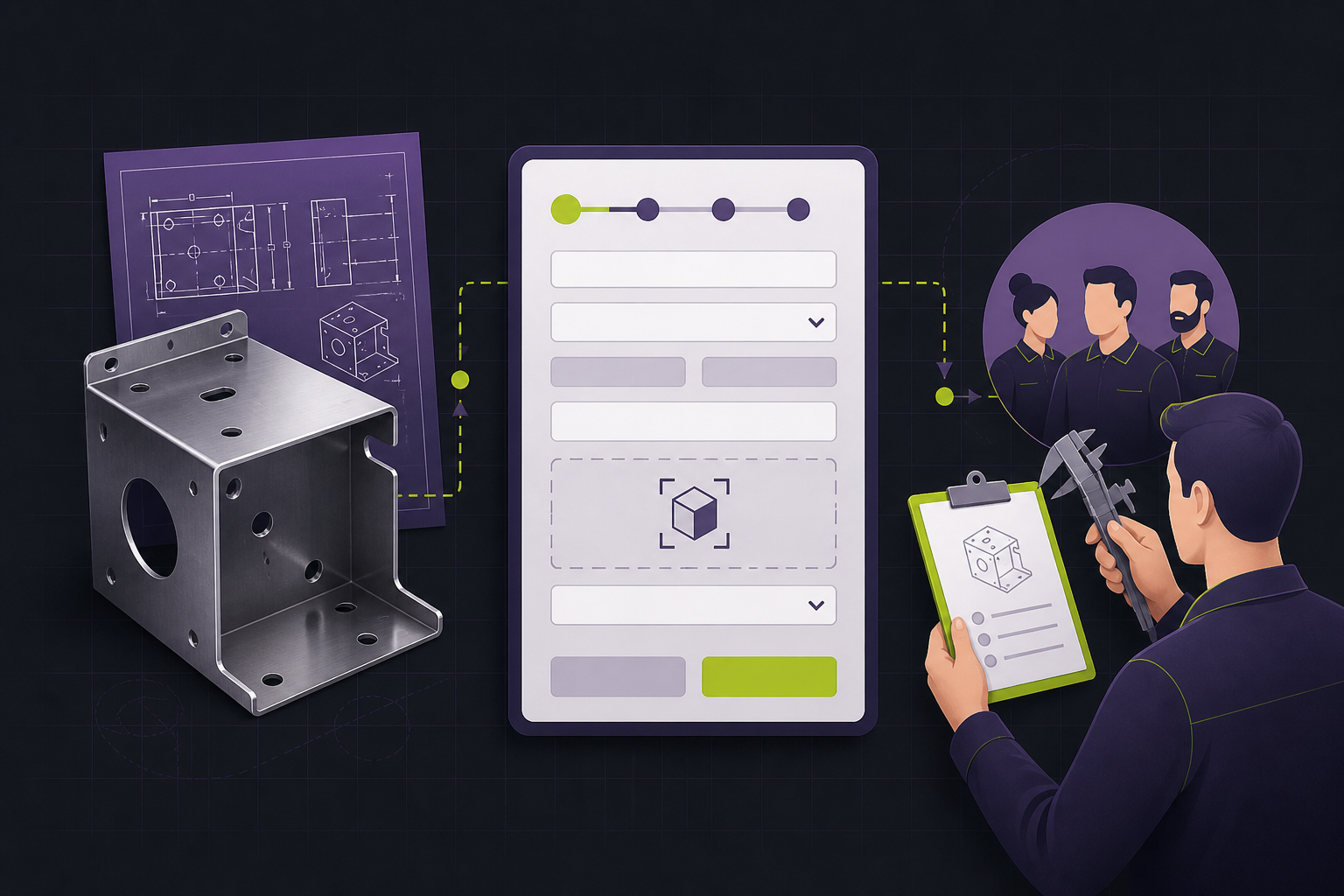
For a Quad Cities manufacturer, a website request is often the first useful signal from a buyer who has not decided whether your shop is a fit. A generic “contact us” box gives the sales team little to work with. An overbuilt RFQ portal makes a new buyer leave. The right decision is not “short form versus long form”; it is which details change the next action.
The QC Webworks RFQ Friction Test
Run every field through two questions: Would this answer change who responds, what they ask next, or whether the request can be qualified? And can the buyer reasonably know it on a first visit? Keep a field when both answers are yes. Move it into a follow-up when the first answer is yes but the second is no. Remove it when neither is true.
Name the job
Ask what the buyer needs made, repaired, sourced, or quoted. Use a plain-language service selector with an “I’m not sure” option.
Capture the decisions
Request quantity or range, material/process needs if known, and timing. These fields help route a conversation without pretending to price it.
Handle files deliberately
Offer drawing upload as optional and state acceptable file types, size limits, and a fallback for sensitive or unavailable files.
Close the handoff loop
Confirm what happens next, where the request goes, and the expected response window your team can actually meet.
What belongs on the first RFQ form
Use the first screen to capture the information that changes triage. For most fabrication, machining, finishing, or contract-manufacturing inquiries, that means:
- Name, company, email, and preferred contact method.
- The item or capability needed, written in the buyer’s words.
- Estimated quantity or quantity range.
- Needed-by date or timing category.
- Drawing, photo, or specification upload as an optional aid.
- A short open field for requirements that do not fit a selector.
That is enough to begin a useful conversation. Exact tolerances, certification requirements, shipping terms, purchase-order details, and a full bill of materials may be essential later. They should not become a toll booth before a buyer knows whether your team is worth talking to.
Use progressive qualification, not a longer first form
First contact
Fit and routing
Collect the job type, volume range, timing, contact details, and an optional file. The goal is a fast, informed reply.
After a human reply
Estimating detail
Request tolerances, finishes, certifications, NDA needs, shipping terms, and complete files once a responsible person owns the opportunity.
This protects both sides. Buyers avoid exposing information before they know the relationship is useful. Your team avoids treating unqualified web traffic as a ready-to-price job. If the goal is faster response after submission, connect the form to a defined workflow on your marketing automation foundation rather than relying on an unattended inbox.

Design the form for uncertainty
Many buyers do not know the right manufacturing vocabulary. An RFQ form should not punish that. Include “not sure” or “other” where it changes the conversation, and use examples such as “prototype,” “replacement part,” or “repeat production” to make the job selector clearer.
Labels must describe the input, not merely decorate it. W3C’s WCAG guidance calls for labels or instructions when users must enter information, and for text descriptions of detected errors. Put required markers and file expectations in text; do not depend on placeholder text or color alone. See the linked W3C guidance in Sources.
File uploads need a trust decision
Technical drawings can contain commercially sensitive details. Before you add an upload field, decide where files are stored, who can access them, how long they are retained, and what the buyer should do if an NDA is needed first. Explain that path next to the control. If you cannot operate a secure file workflow confidently, invite a conversation instead of implying protections you cannot verify.
Measure the handoff, not just the submission
A submit event tells you that a browser reached a thank-you state. It does not prove that the RFQ reached the right person or received a useful response. Track at least three operational outcomes: completed RFQ requests, requests that receive a human response, and requests that become estimate-worthy opportunities. Your website lead-tracking setup can connect the first event to the workflow; your sales process has to establish the rest.
When a general contact form is enough
Use a general form when you sell a simple, standardized service, the question is exploratory, or the buyer needs a fast human conversation more than a quote. Use a dedicated RFQ path when the job type, timing, quantity, and technical context determine who should respond. The page can offer both: “Request a quote” for decision-ready buyers and “Talk through a project” for everyone else.
Next step: audit one request path
Open your manufacturing site on a phone and try to submit a typical first inquiry without a drawing. If you cannot tell what happens next, your buyer cannot either. QC Webworks can map the request path—from page and form to routing, confirmation, and reporting—within a manufacturing website design review.
Frequently asked questions
How many fields should a manufacturing RFQ form have?
There is no universal number. Keep only fields that change routing, qualification, or the next useful conversation. Most first-contact forms need contact details, job type, timing, volume context, and an optional way to share technical material.
Should drawings be required before someone can request a quote?
Usually no. A drawing may be necessary before final pricing, but a buyer may be early in the process, on a phone, or unable to share a file before an NDA discussion. Make the upload optional and explain the alternate path.
What should happen after an RFQ form is submitted?
Show a confirmation that states the next step and sends the request to an accountable owner. Test the complete path regularly, including any file attachment, notification, CRM record, and buyer-facing acknowledgement.
Can a contact form qualify manufacturing leads?
Yes, if it asks a small set of decision-grade questions. Qualification does not mean forcing complete estimating data into the first form; it means giving the team enough context to respond intelligently.
How do we make an RFQ form accessible?
Use visible, programmatically associated labels, clear required-field instructions, keyboard-operable controls, and text-based error messages that identify the problem. Validate the actual implementation against the relevant accessibility requirements.